OPEN SET
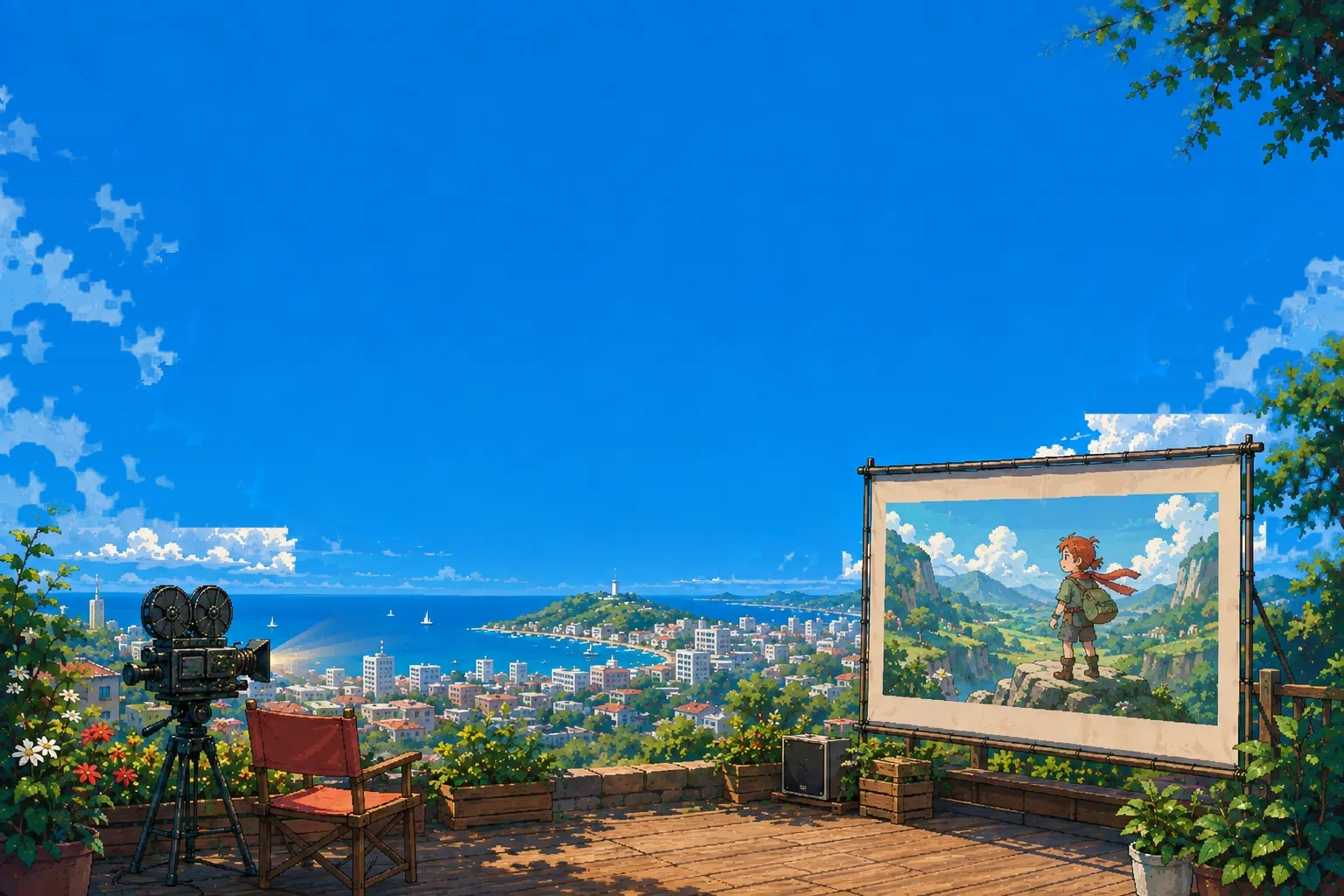
Turn your story into animation.
Bring a novel or a script. The studio carries it through assets, keyframes, and a finished, editable cut.
A LITTLE STORY. A WHOLE NEW WORLD.
Explore the scenesShowcase
Concept art
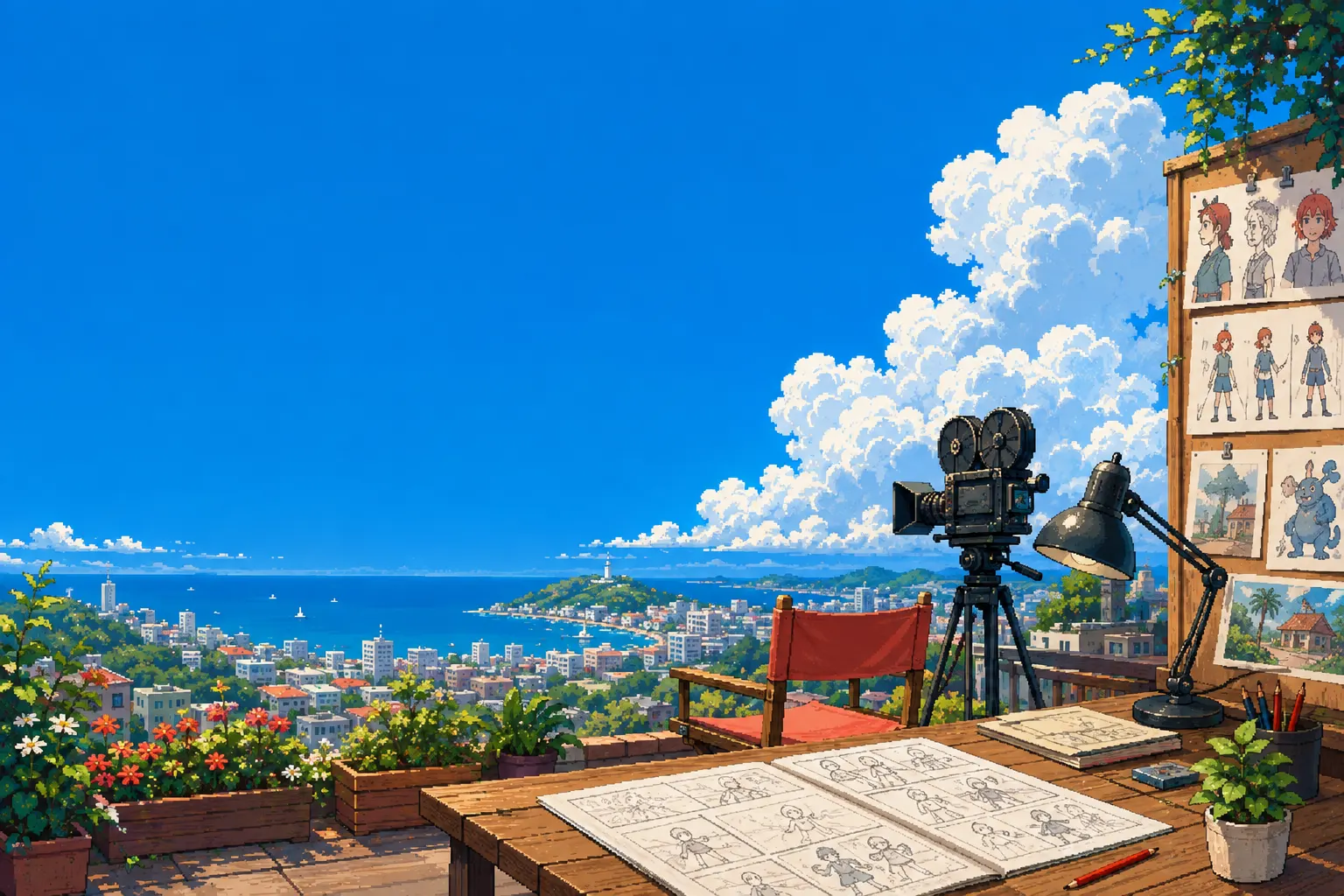 Concept artOpening the setPreview art
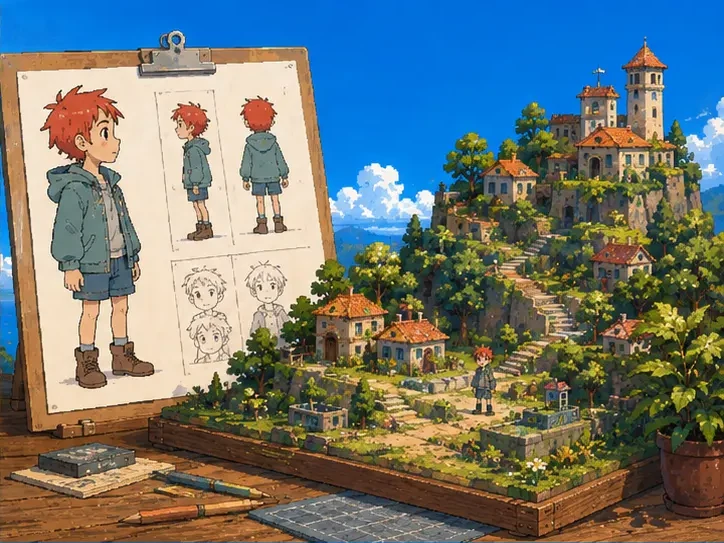 Concept artStory to screenPreview art
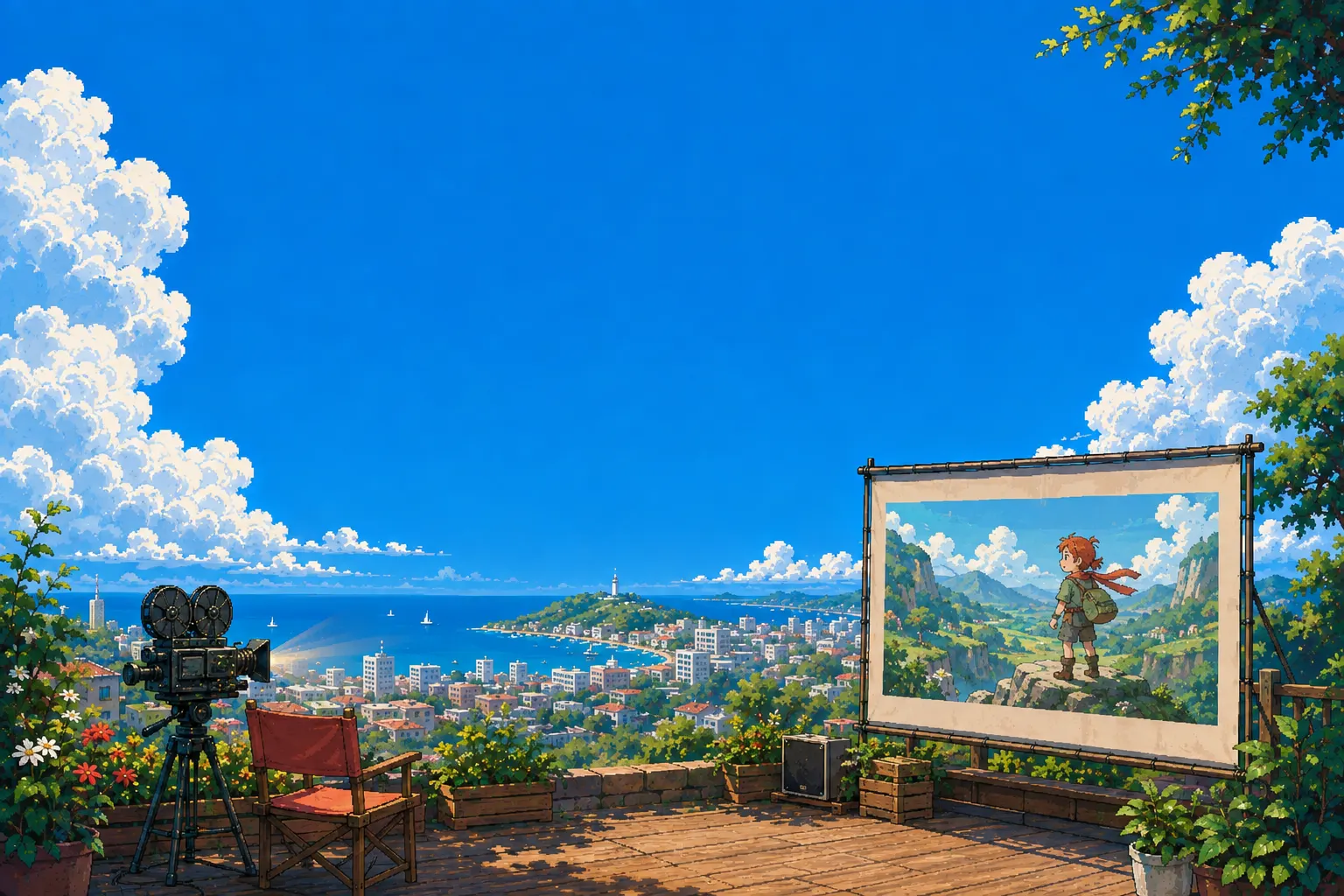 Concept artOpening nightPreview art
FROM STORY TO SCREEN
Shoot your story, one step at a time.
Follow these steps from story to finished cut.
- CHAPTER 01
Story & script
Start from one "what if"See howGive your story a starting point.
Bring a passage of text, or write down the idea in your head. Sort out characters, plot, and dialogue into scenes ready to shoot.
Bring your story ↗ - CHAPTER 02
Characters & scenes
Every character has their own lookSee howCreate the cast and the stage.
Create characters, scenes, and props so everyone's look stays consistent with the world they live in.
Start creating assets ↗ - CHAPTER 03
Keyframes & shots
Find the best angle for every beatSee howFrame it like a director.
Use keyframes to set where characters stand and how the frame is composed, then connect the shots into your story's rhythm.
Step onto the set ↗ - CHAPTER 04
Motion & sound
Then, let the world see itSee howGive the picture time and sound.
Adjust the pacing of motion and shots, check dialogue and sound, watch the full story once, then export it as a finished film.
Start your first scene ↗
You don't need it all figured out yet. Shoot the first scene.